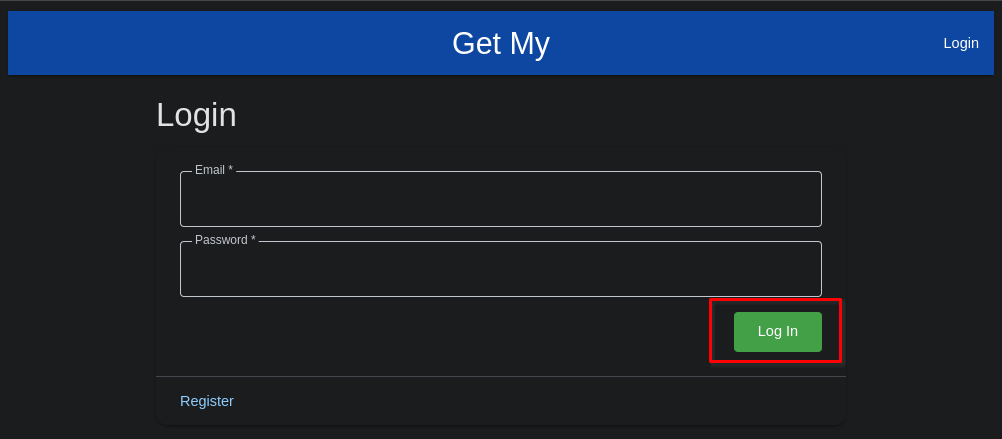
Login as an Existing User
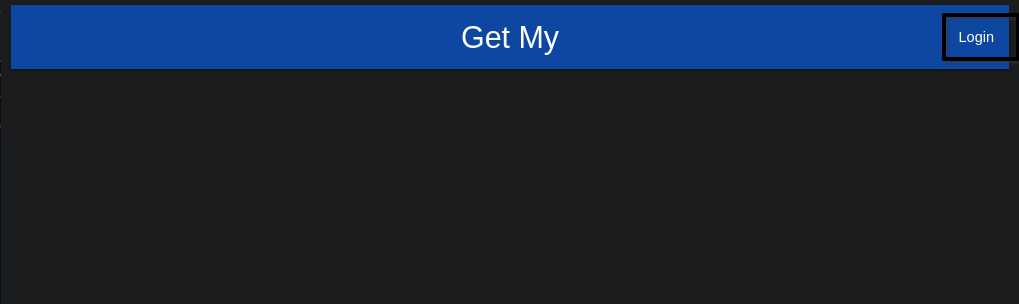
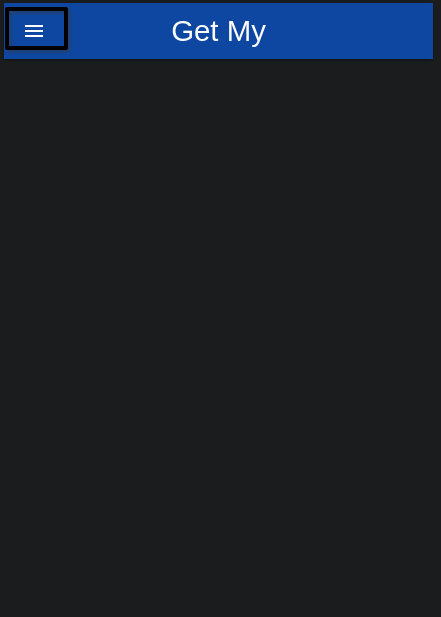
On smaller mobile devices (small tablets, smart phones, etc) you'll see the hamburger menu icon in the upper left of the screen. Touch / click it, and you'll see the login option appear in the left side bar as it expands.
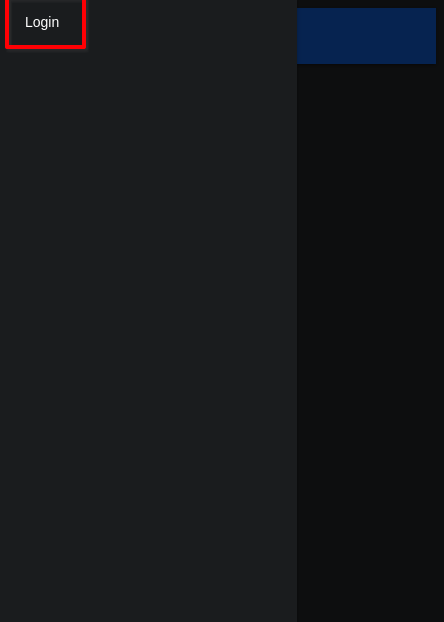
In either case, click / touch the 'Login' option, and you'll be presented with the Login form. Enter you email and password, and click the 'Login' button to log into the Get My app.